Installation Guide
Download the DoctorMeow software
If you receive a message before the download begins, click the dropdown arrow and select Keep

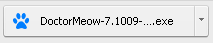
Click the .exe file to begin installation
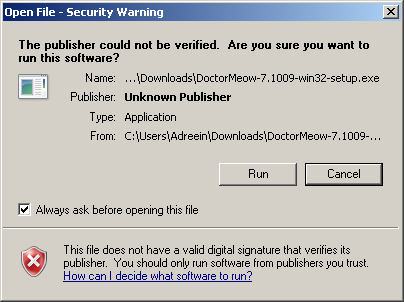
If you receive a security warning before the installation wizard begins, click Run
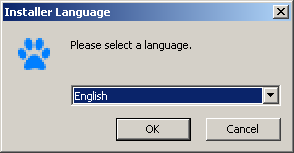
Select your language, then click OK
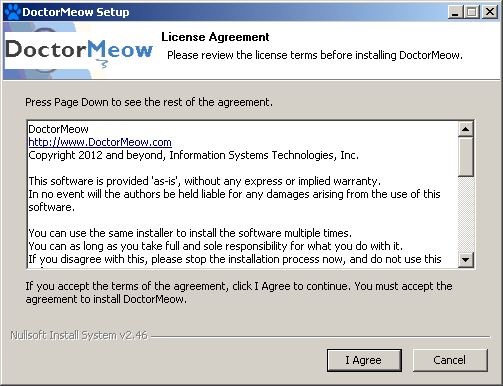
Review the License Agreement, then click I Agree
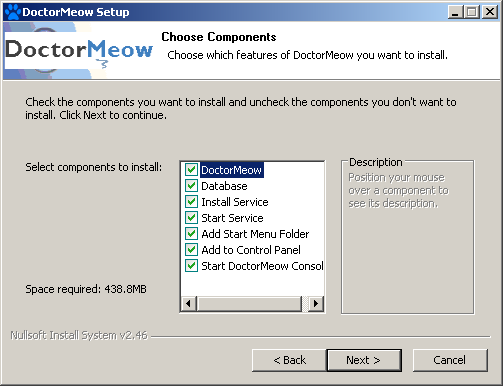
Leave all the components selected, then click Next
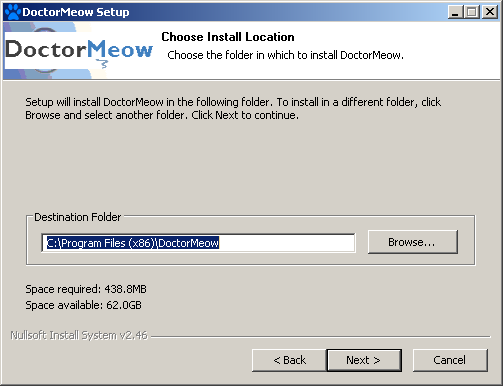
Use the default Destination Folder or browse for a different folder, then click Next
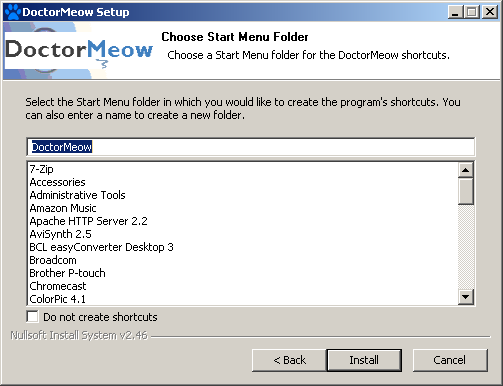
Choose a Start Menu Folder for the DoctorMeow shortcuts, then click Install
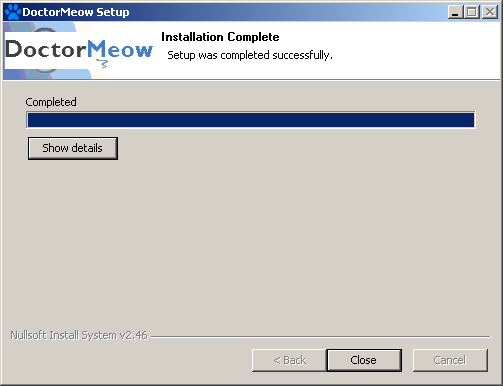
Once the installation is complete, click Close to exit the installation setup
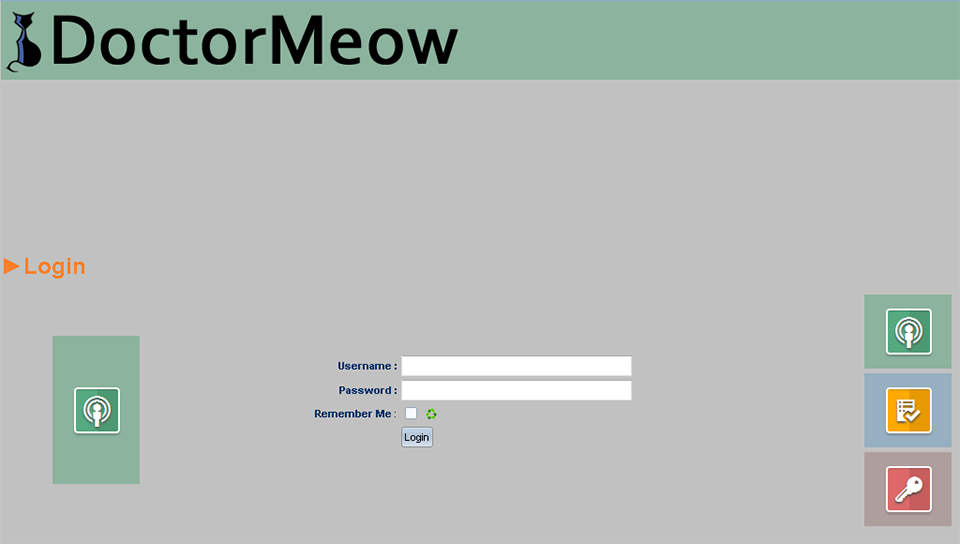
The software will automatically load on your default browser—
Enter the Username [admin] and Password [admin], then click Login
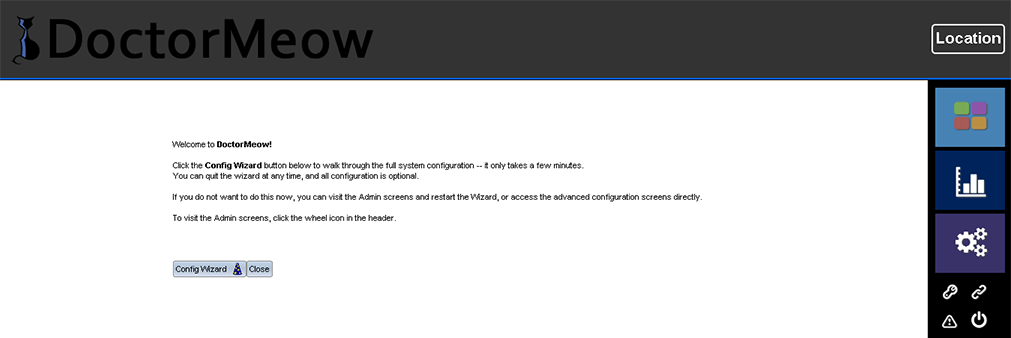
On the Welcome screen click the Config Wizard button to customize DoctorMeow to your office—
A guided procedure will follow